
HOME/Products/Mini PCs

Mini PC buying guide

Find a mini PC
that fits your work.

URBION / MINI-PC

Mostly email and documents, or development and editing too? Compare office and performance PCs around the programs you use and the devices you connect.

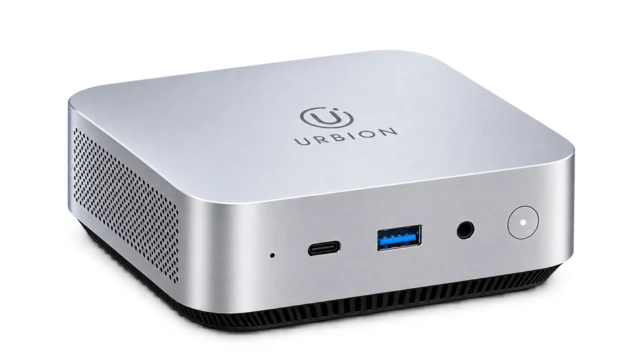
Reference image of the shared URBION mini PC enclosure
Documents · Web · Meetings

Office PCs

For work centered on documents, the web, and online meetings. Choose your configuration around the apps you run together and the devices you connect.

Documents & spreadsheetsWeb-based workOnline meetings
Office PC · Price
Reference price678,500KRW13% off
590,000KRW
Learn more
Reference image of the shared URBION mini PC enclosure
MQR7 · RYZEN 7 7735HS

Performance PCs

An 8-core, 16-thread processor in a 113 × 113 mm enclosure. Choose 16 GB or 24 GB of RAM and a 512 GB or 1 TB SSD to suit your work.

8 cores, 16 threadsUp to 4.75 GHzWi-Fi 6
7735HS model · Price
Reference price1,138,500KRW13% off
990,000KRWPlease confirm the price of your chosen configuration before purchase.
Learn more
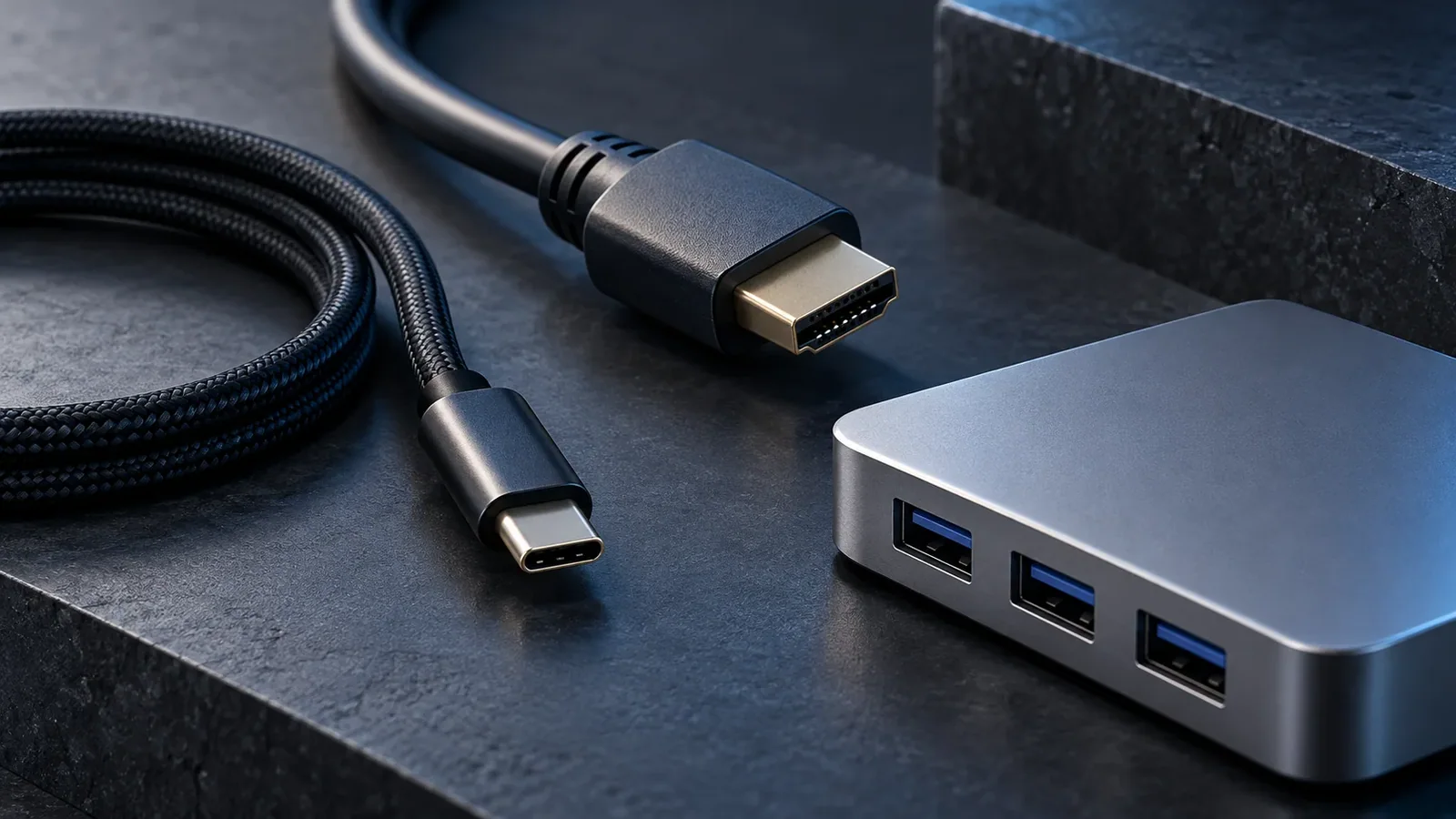
Illustrative arrangement of cables and a USB hub

Connect · Install · Store

Accessories

Check the monitor cables, USB hubs, mounts, and storage you will use with your PC.

Accessory guide ↗ ↗
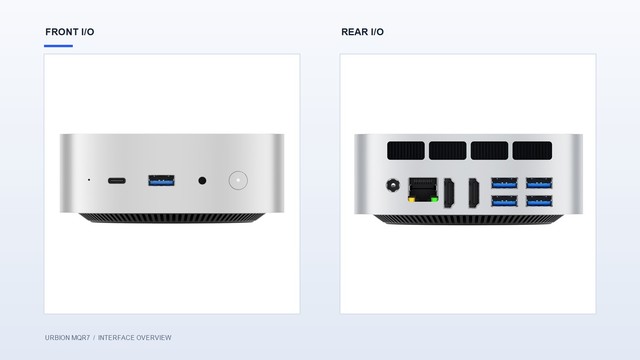
Front and rear ports on the URBION mini PC enclosure

Explore the connections

Connect at the front.
Keep it tidy at the back.

Devices you plug in every day. Cables that stay behind your desk. A look at both sides helps you plan where everything goes.

Shared enclosure shown for reference. Check the specific model's product details for supported port functions and configuration.

Connection guide

Compare by use

The specifications that matter depend on your work.

What to checkOffice PCsPerformance PCs
Typical usesDocuments, browser-based work, online meetingsMultiple work tools, development, content creation
CPU considerationsResponsiveness in your everyday apps and tasksRecommended specifications and processing demands of your software
Memory considerationsDocuments, tabs, and meeting apps open togetherLarge files, development tools, and multiple apps running together
Graphics considerationsMonitor count, resolution, and refresh rateGPU acceleration and dedicated GPU requirements of your software
Storage considerationsWork files, app sizes, and backup methodsSpace and transfer methods for source files, projects, and caches
Installation considerationsDesk space and access to frequently used portsAirflow and operating conditions during long tasks

Categories describe intended uses. They do not guarantee performance or compatibility for a particular task. Check the specific model and the requirements of your software together.

Your first mini PC

New to mini PCs?

List your programs, connected devices, and installation space. That is the starting point for comparing configurations.

  1. List the names and versions of the programs you use.
  2. Note the displays and peripherals you will connect at the same time.
  3. Check whether an operating system is included, along with memory and storage specifications.
  4. Check installation space, ventilation, power, and cable routes.
  5. Compare the final product details with the software's official system requirements.