HOME/Products

URBION product guide

Your everyday PC.
Everything you connect to it.

URBION / PRODUCTS

Documents, online meetings, development, and editing. Choose a mini PC around your everyday work, then find accessories for the devices you connect.

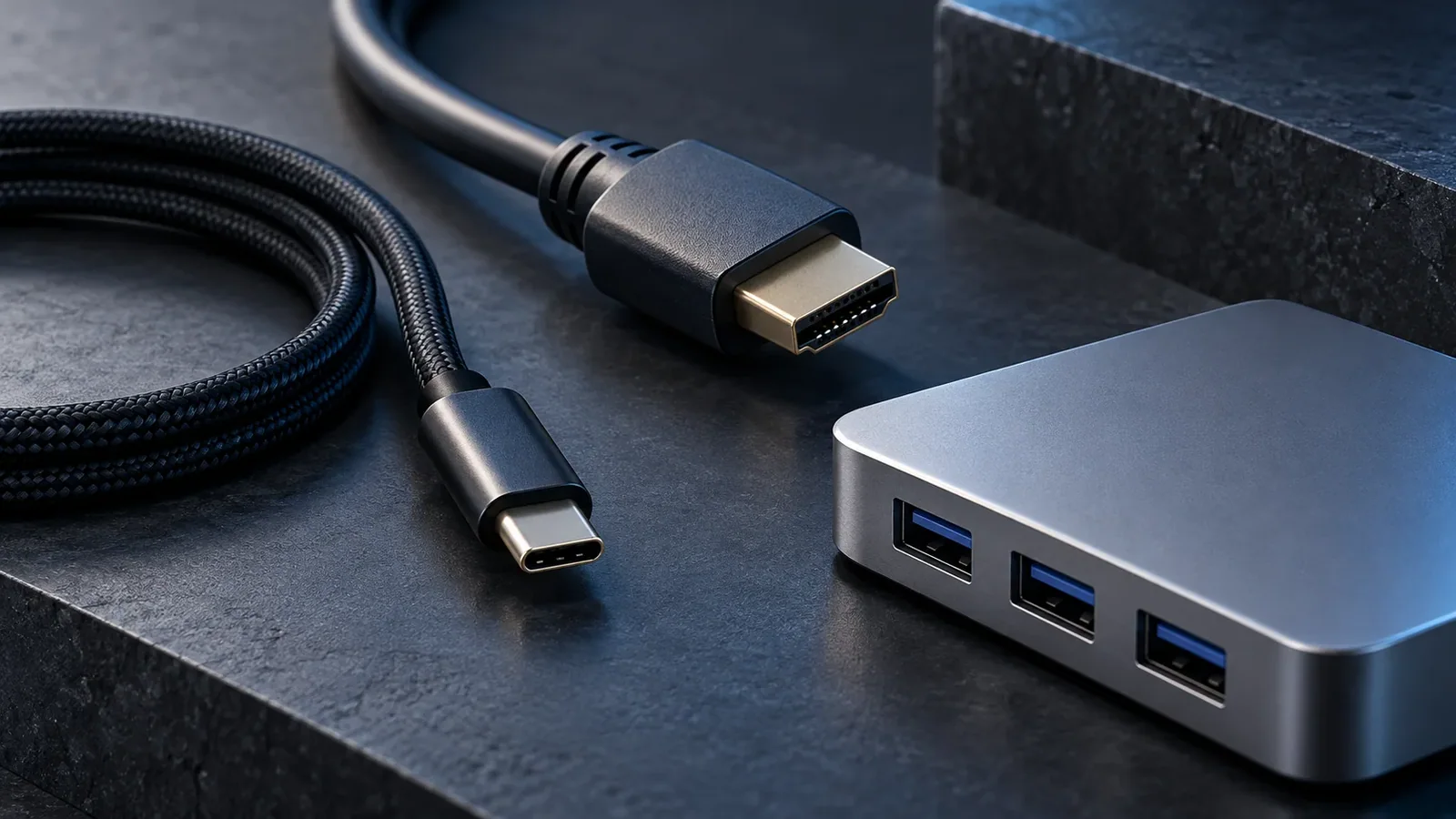
Illustrative workspace with accessories
Connect · Install · Store

Accessories

Hubs, mounts, cables, and storage. Get the ports you need and choose products that fit your setup and file storage needs.

Learn more

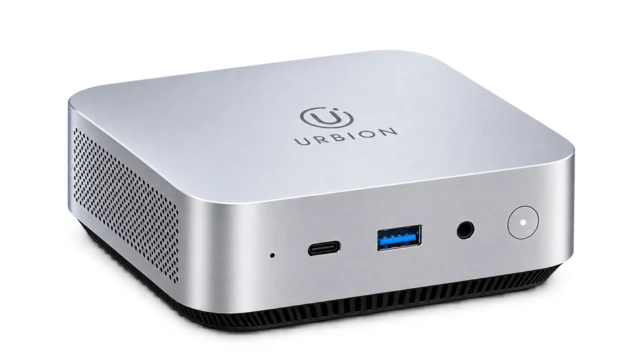
The MQR7 performance model features an AMD Ryzen 7 7735HS, with 16 GB or 24 GB of RAM and 512 GB or 1 TB SSD options. See the Performance PC page for ports and expansion details. Confirm configuration prices and whether an operating system is included before purchase.

START WITH YOUR WORK

Three things to check before you buy.

01 / YOUR NEXT STEP

Which programs do you use?

List whether your work centers on documents and the web or also includes development and editing. Assess performance around your most demanding task to avoid choosing too much or too little.

02 / YOUR NEXT STEP

What will you connect?

List your monitor count and resolution, keyboard, mouse, camera, microphone, and external storage. This helps you check the ports and cables you need before buying.

03 / YOUR NEXT STEP

Where will it go?

Choose a location: on the desk, behind a monitor, or on a shelf. Check the PC dimensions, power adapter, space for cable bends, and airflow.

CPU, memory, and SSD specifications feel confusing?

The URBION Journal explains components, how to choose a mini PC, and how to set it up, step by step.

Read the journal